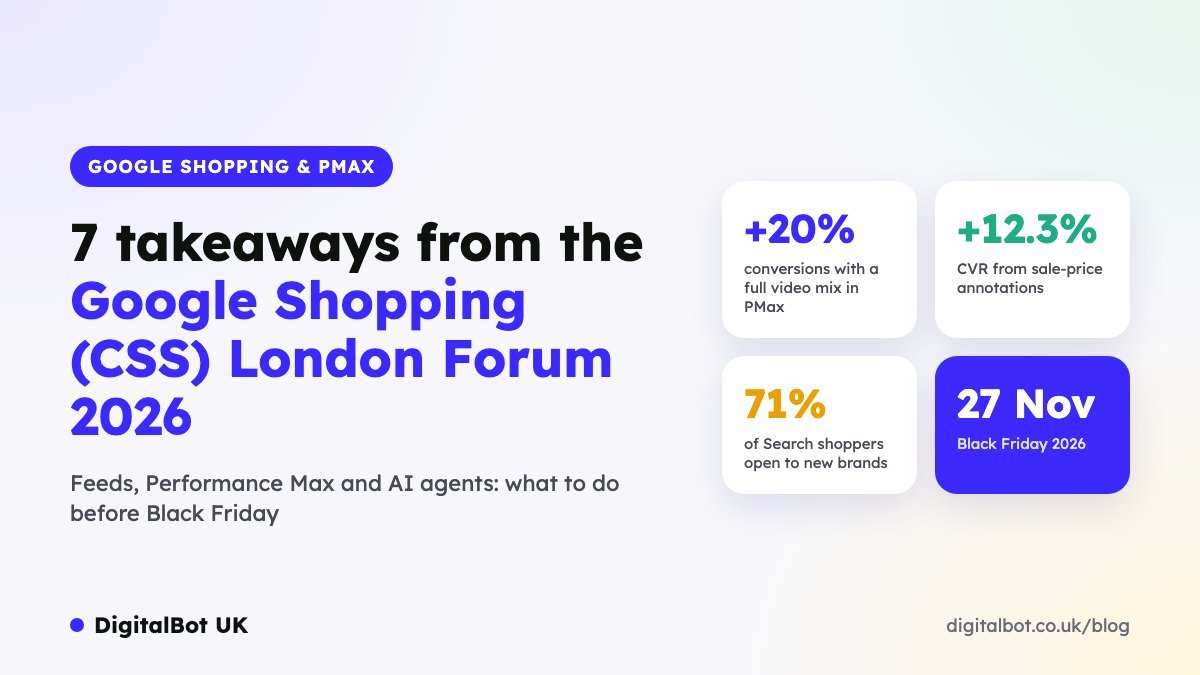
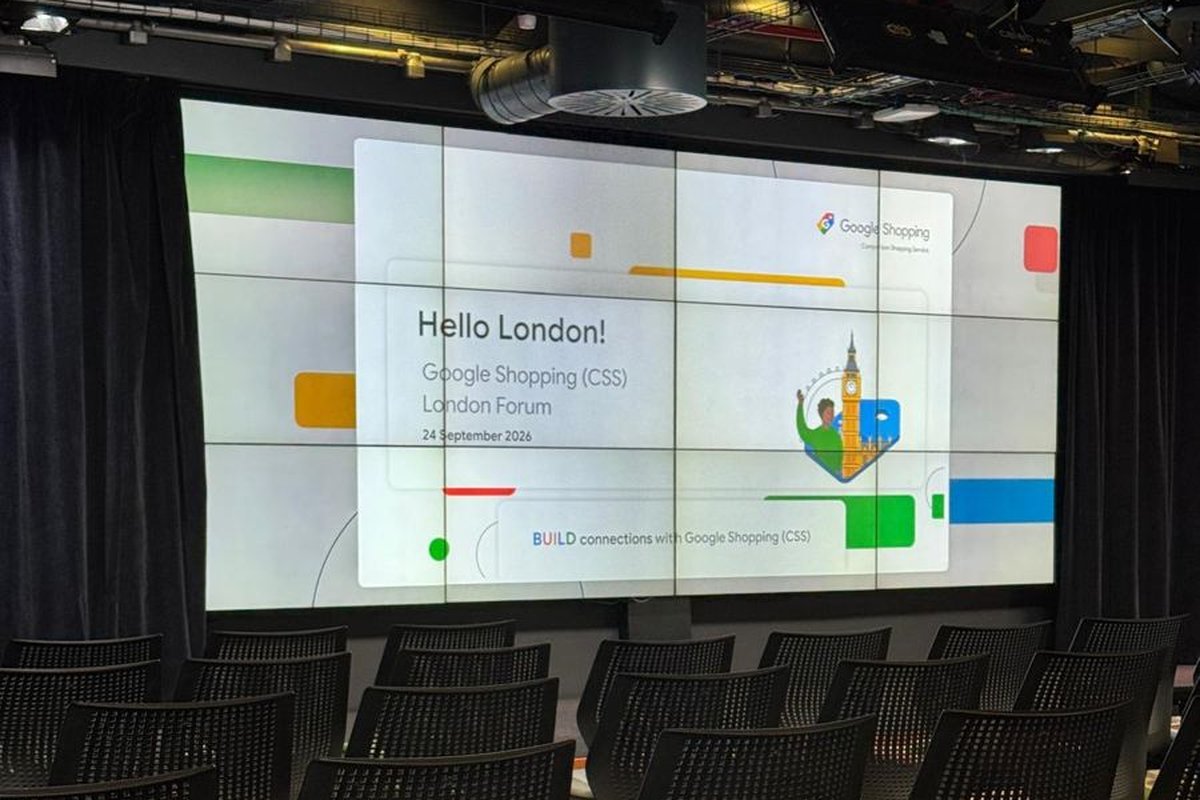
On 24 September 2026 we joined e-commerce marketers, agencies and Google’s Shopping team at the Google Shopping (CSS) London Forum. The message of the day was clear: this year’s peak season will be won on product feed quality, smarter Performance Max structure and richer creative, just as AI shopping agents start buying on customers’ behalf.
Here are our seven biggest takeaways, the numbers Google shared, and a checklist you can act on before Black Friday (27 November 2026).
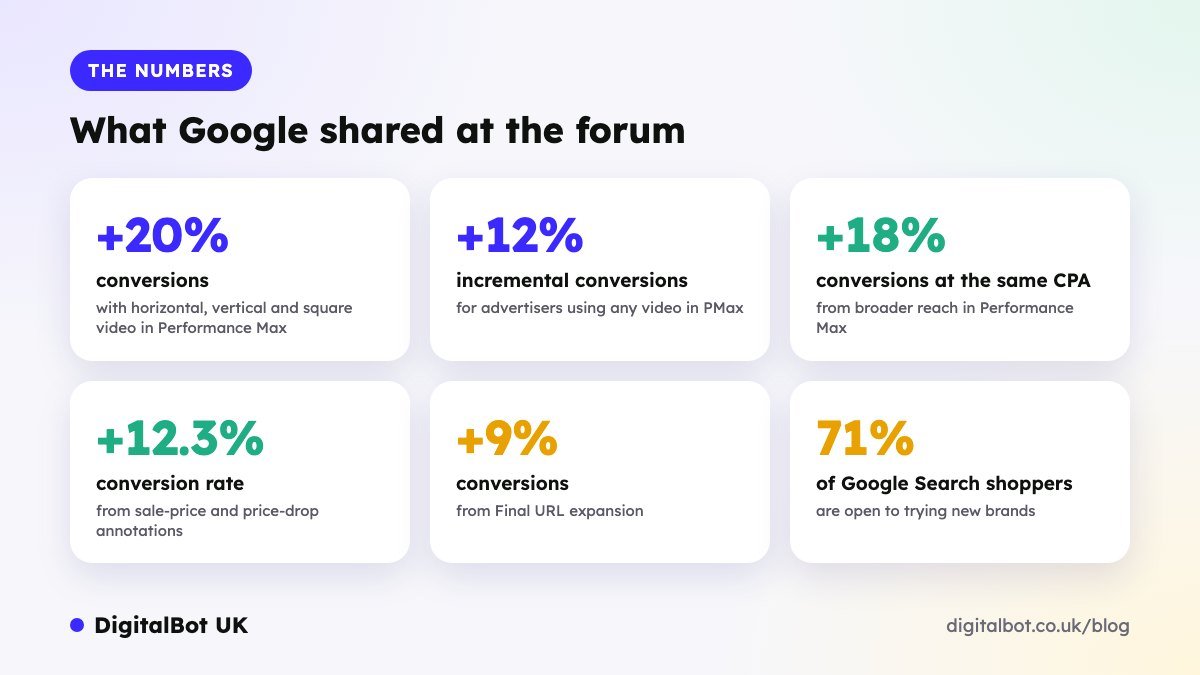
The numbers at a glance
These are the headline figures presented at the forum. They’re Google’s averages across advertisers, so treat them as a guide to what’s worth testing rather than a guarantee.
1. Peak preparation starts now, not in November
Google recommends a three-phase plan. The “strategic setup” phase runs six to eight weeks before Black Friday, which means structural changes need to be in place during October so the algorithms have time to learn.
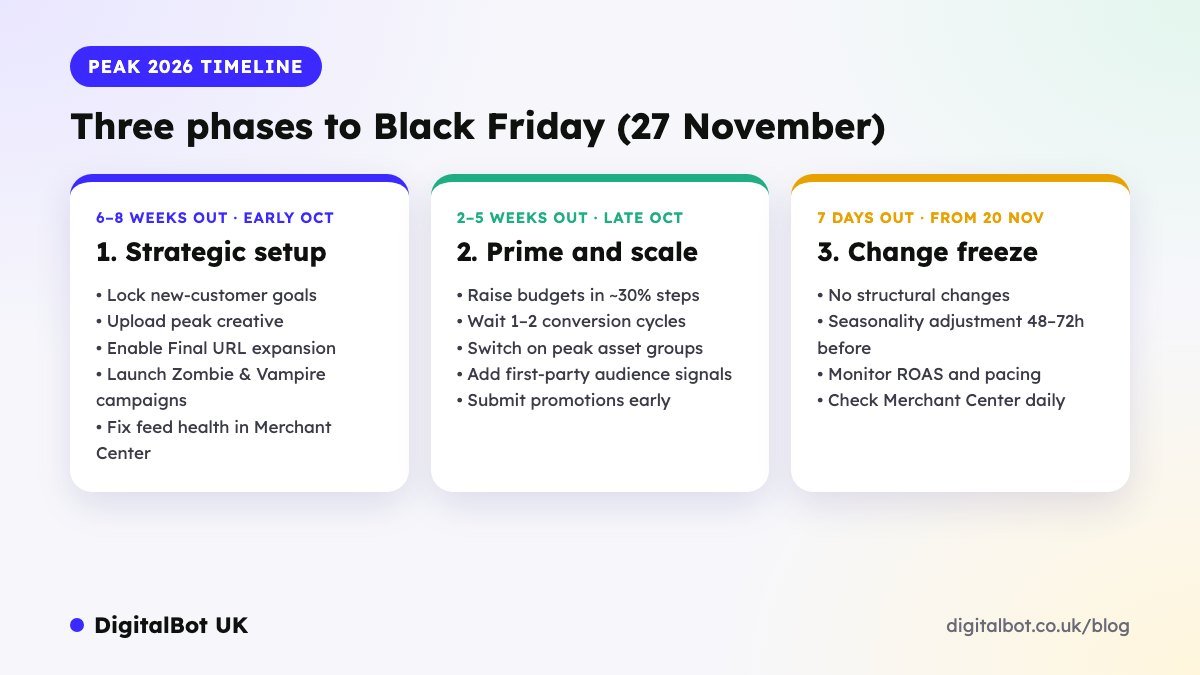
- Strategic setup (6–8 weeks out): set new-customer goals, upload peak creative, switch on Final URL expansion and fix feed issues.
- Prime and scale (2–5 weeks out): raise budgets in steps of around 30%, waiting one or two conversion cycles between each increase, and submit promotions early.
- Change freeze (final week): no structural changes. Apply a seasonality adjustment 48–72 hours before the peak, then monitor ROAS and pacing.
2. Your product feed is the biggest lever
Feed hygiene keeps you eligible; feed optimisation makes you competitive, and makes your products understandable to AI agents. Google scores feeds on seven levers:
| Feed lever | What Google asked for |
|---|---|
| 1. Product images | 3+ additional images, including lifestyle shots, at 1500×1500 px |
| 2. Titles & descriptions | Titles of 30+ characters, descriptions of 500+ characters |
| 3. Product identifiers | GTINs where relevant and an accurate product type |
| 4. Shipping & returns | Free shipping, delivery speed and a clear returns policy |
| 5. Enhanced listings | Sale prices, product ratings and product highlights |
| 6. Inventory management | Keep the share of targeted and engaged products high |
| 7. Variant data | Colour, size, age group and gender |
Tip: build titles in the order shoppers search, for example brand + product type + key attribute + size/colour, and front-load the words that matter most.
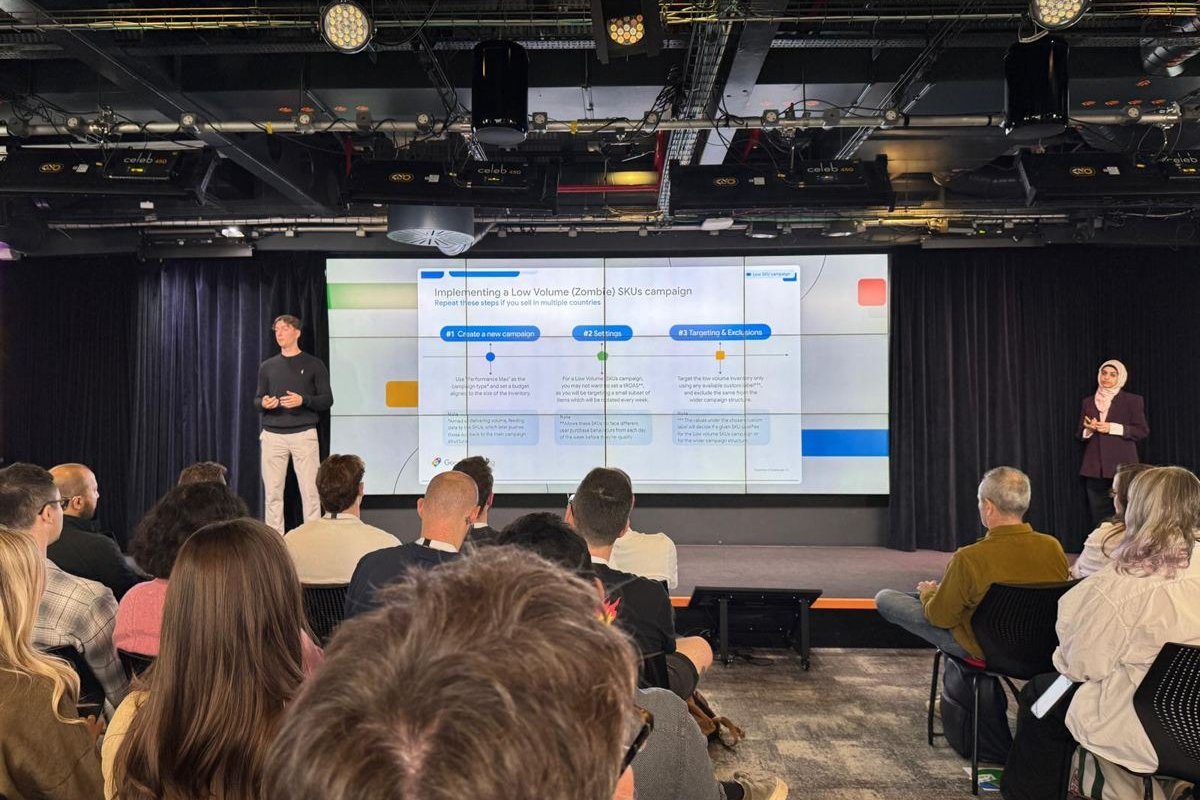
3. Kill the “Vampires”, wake the “Zombies”
One of the most practical sessions covered two campaign types that tidy up Performance Max:
- Vampire campaign: automatically flag products with high spend and clicks but zero conversions (for example over 30 days), then move them into their own campaign with a strict, high target ROAS so they stop draining budget.
- Zombie campaign: products with very little traffic get their own Performance Max campaign, rotated weekly using a custom label and excluded from your main campaigns, so they finally get a chance to be seen.
Google also suggested a lifecycle structure: a Kickstarter campaign for new launches, main PMax campaigns split by margin tier, an Outlet campaign for end-of-line stock, plus a catch-all.
4. Trust signals move the needle
With shoppers cautious, the annotations that reassure them are worth switching on in Merchant Center:
| Shopping annotation | Reported uplift |
|---|---|
| Sale price / price drop | +12.3% conversion rate |
| Product ratings | +5% CTR |
| Returns (e.g. 30-day policy) | +3% conversion value |
| Free and fast shipping | +2% CTR |
If you have physical stores, Local Inventory Ads were a highlight too: “pick up today” was linked to a 20% increase in store visits, and “pick up later” to a 20% lower omnichannel CPA.
5. Video is now expected in Performance Max
Advertisers using video in PMax saw +12% incremental conversions, rising to +20% when they supplied all three formats: horizontal, vertical and square. If you don’t upload video, Google auto-generates one, which is rarely on-brand.
Google’s full asset checklist for each asset group:
- 11 headlines under 30 characters, including 1 under 15
- 1 long headline under 90 characters and 4 descriptions
- 20 images: 4 landscape (1200×628), 4 square (1200×1200) and 2 portrait (960×1200) at minimum
- 3 videos, at least one longer than 10 seconds
- 6+ sitelinks
6. Get ready for AI shopping agents
Google described two kinds of customer: the human, driven by emotion, visuals and social proof, and the machine, AI agents that compare speed, price and structured data. To be “agent-ready”:
- Keep feed data complete and accurate, because agents rely on it.
- Watch for new Merchant Center attributes: a checkout link template, loyalty programme, subscription cost, new delivery and video link attributes.
- Prepare for the Universal Commerce Protocol, expected in the UK later this year, and new product image-size rules from January 2027.
- Explore Google’s AI tools: Product Studio for on-brand product images at scale and FeedGen for rewriting titles and filling attribute gaps.
7. Shoppers are cautious, but open to new brands
Consumers across Europe remain value-conscious and risk-averse. But 71% of Google Search shoppers are open to trying new brands or products. For smaller retailers that’s a real opportunity: strong ratings, easy returns and fast delivery do the heavy lifting in winning that trust.
Your pre-Black Friday checklist
- Ask your CSS partner for your feed, inventory and creative growth reports.
- Audit titles (30+ characters) and descriptions (500+ characters) across your top products.
- Pull high-spend, zero-conversion products from the last 30 days and test a Vampire campaign.
- Build a Zombie campaign for low-volume products and exclude them from your main PMax.
- Brief video in horizontal, vertical and square for your peak asset groups.
- Check returns, free delivery, ratings and sale-price attributes are live in Merchant Center.
- Submit Black Friday promotions early to avoid late approvals.
- Plan budget increases in ~30% steps, then freeze changes in the final week.
Need a hand before peak? We manage Google Shopping and Performance Max campaigns for UK e-commerce brands, and can review your feed and campaign structure against everything above.
Get a free Google Shopping & PMax audit before peak
We’ll check your product feed against Google’s 7 levers, find Vampire and Zombie products, and show you the quick wins to make before Black Friday. No obligation.
Get my free Shopping audit or WhatsApp us on +44 7833 822167